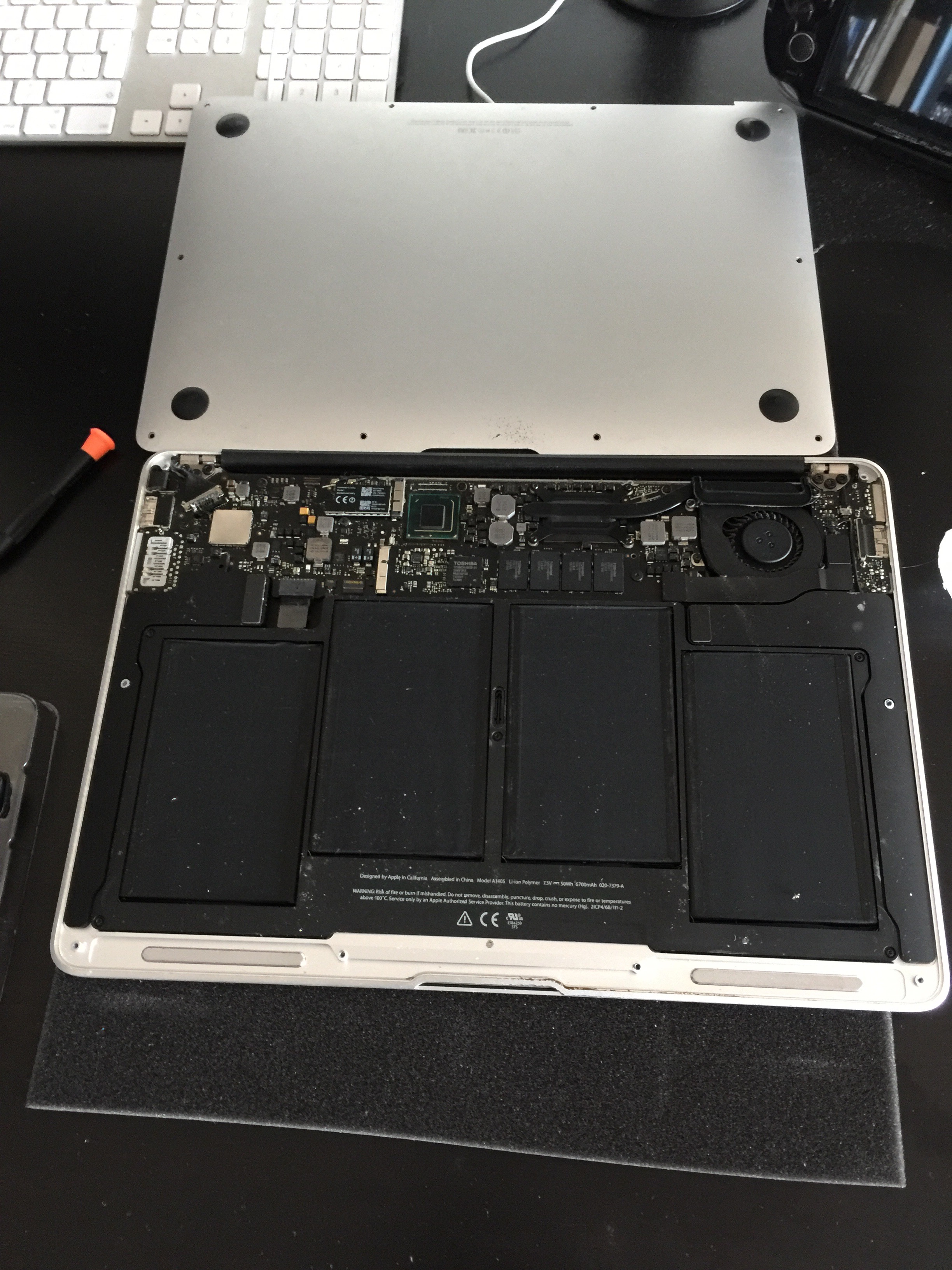
How to replace macbook air battery packs from the 2012 era is well-documented and relatively straightforward – the 2012 13″ Air uses a Pentalobe-screwed bottom cover, with the battery connected to the logic board via a ZIF connector that requires care but no specialist tools beyond a Pentalobe screwdriver and a plastic spudger. A Flueron replacement kit from Amazon includes everything needed and brings the battery capacity close enough to original spec to restore several hours of lost runtime.
The Replacement Process
The bottom cover comes off with five Pentalobe P5 screws. The battery is held by three Phillips screws and connects to the logic board with a ZIF connector that lifts straight up – no adhesive, which makes the 2012 Air considerably easier than later models where the battery is glued in. The replacement battery slots in, the connector clips down, the screws go back, and the bottom cover closes. Total time is under 30 minutes for a first attempt. The Flueron kit included a tri-wing screwdriver, spudger, and suction cup in addition to the battery itself.
Verdict
Going from under 45 minutes of battery life back to 5-6 hours for under £40 in parts is a compelling repair – far cheaper than a new machine, and the 2012 Air’s Core i5/i7 performance remains adequate for most tasks. Third-party battery replacements from reputable sellers perform well and cycle reliably. A worthwhile DIY repair that extends the useful life of an otherwise perfectly good laptop by several years.