iPhone battery replacement

My iPhone 6 plus was going slow, so I got a battery from ebay and followed the ifixit iPhone battery replacement tutorial – my phone is now much faster (it feels like a new phone again)
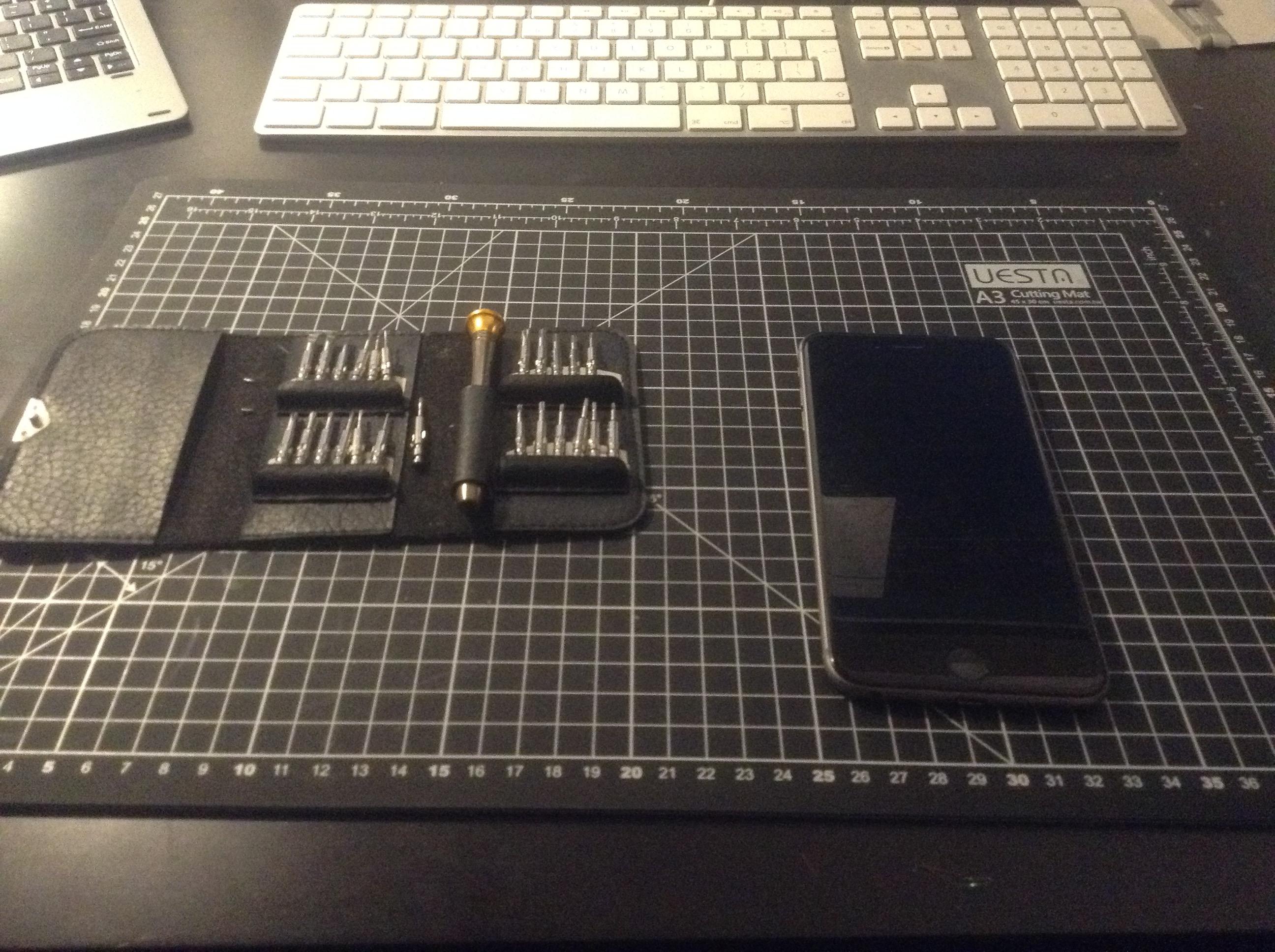
iPhone battery replacement tools laid out ready - spudger, pentalobe screwdriver and suction cup

starting – all my tools ready

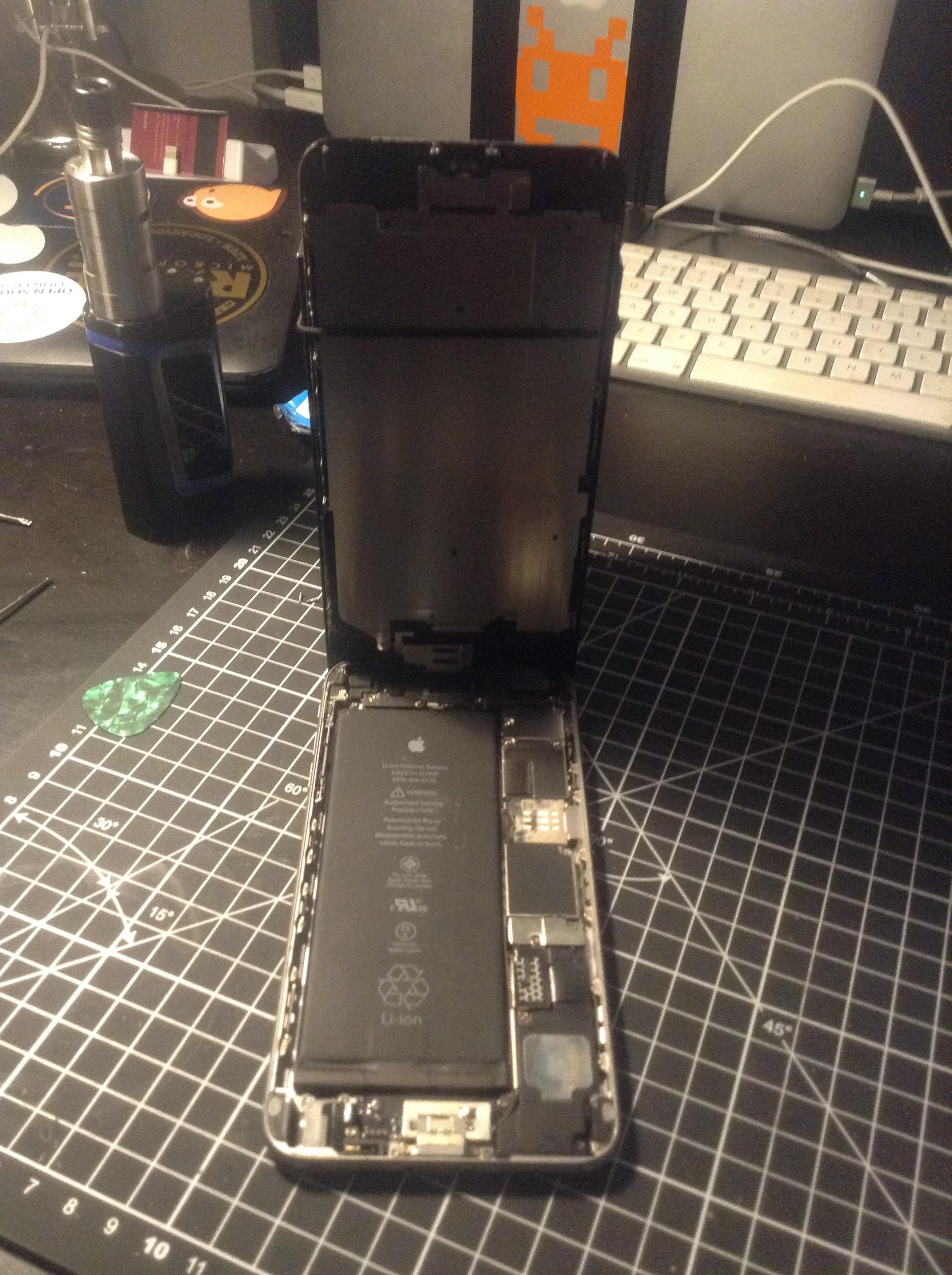
iPhone 6 Plus screen partially opened showing internal components

screen open

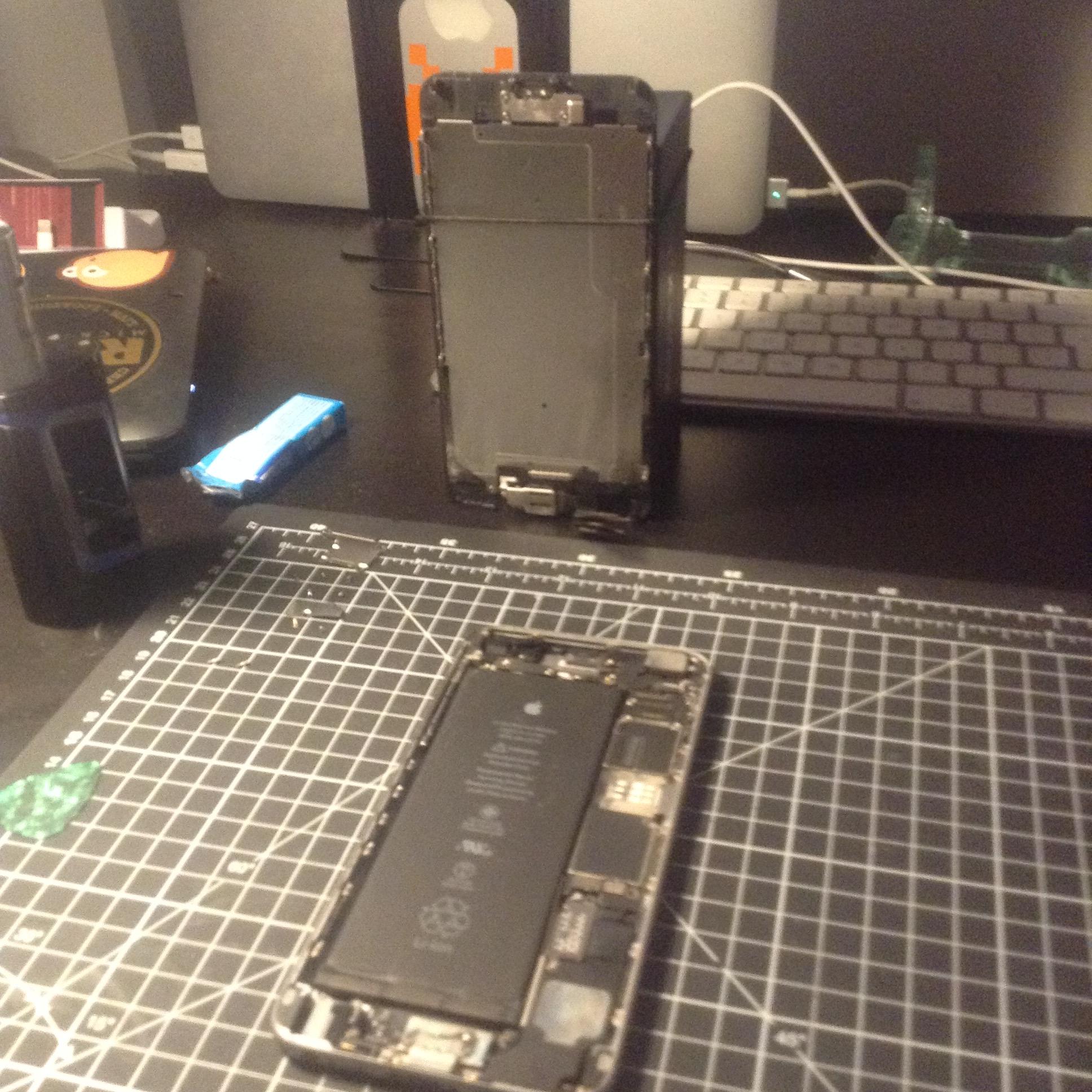
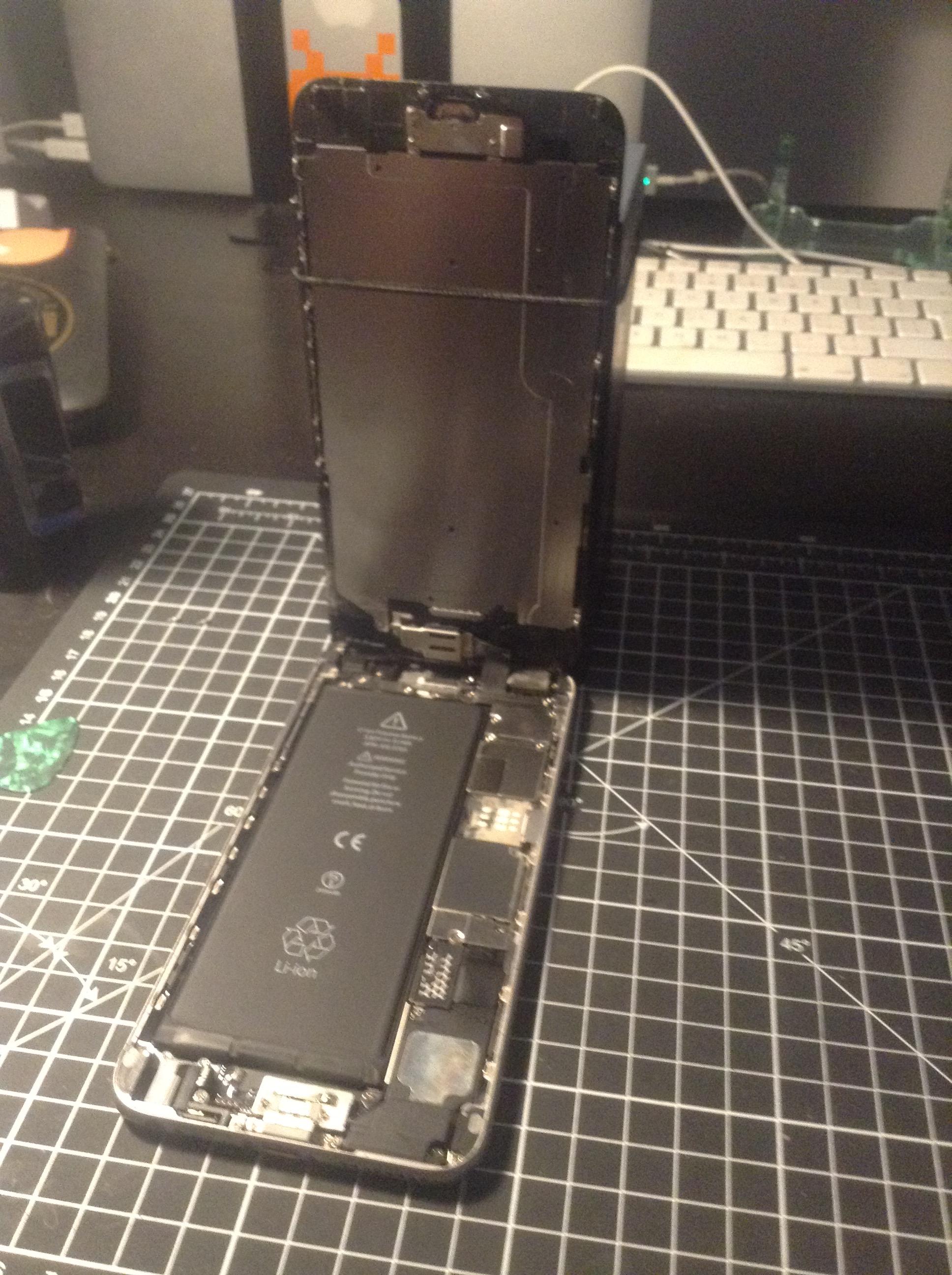
iPhone 6 Plus screen fully detached and tilted to reveal battery

screen detatched

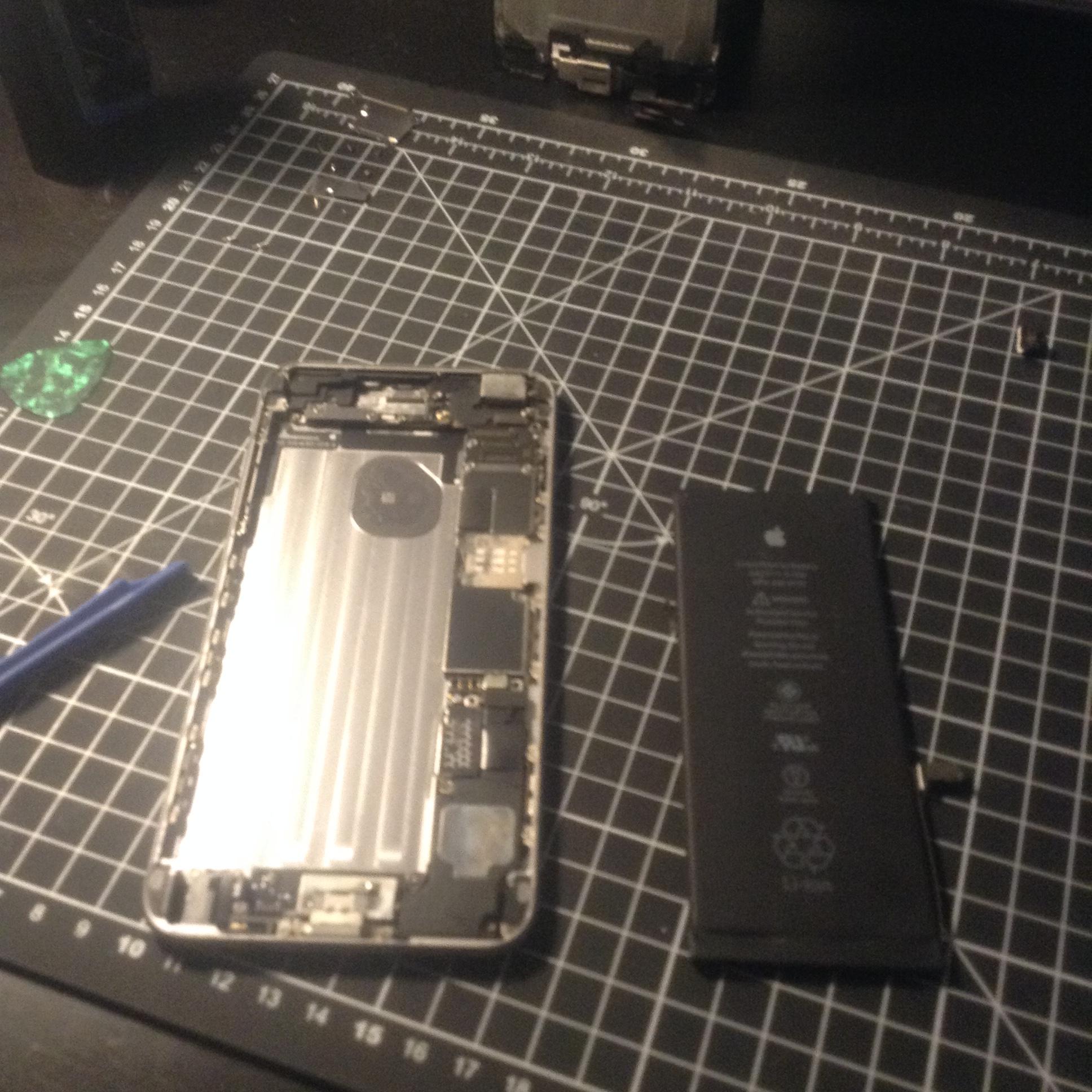
Old iPhone 6 Plus battery removed from the phone

battery removed

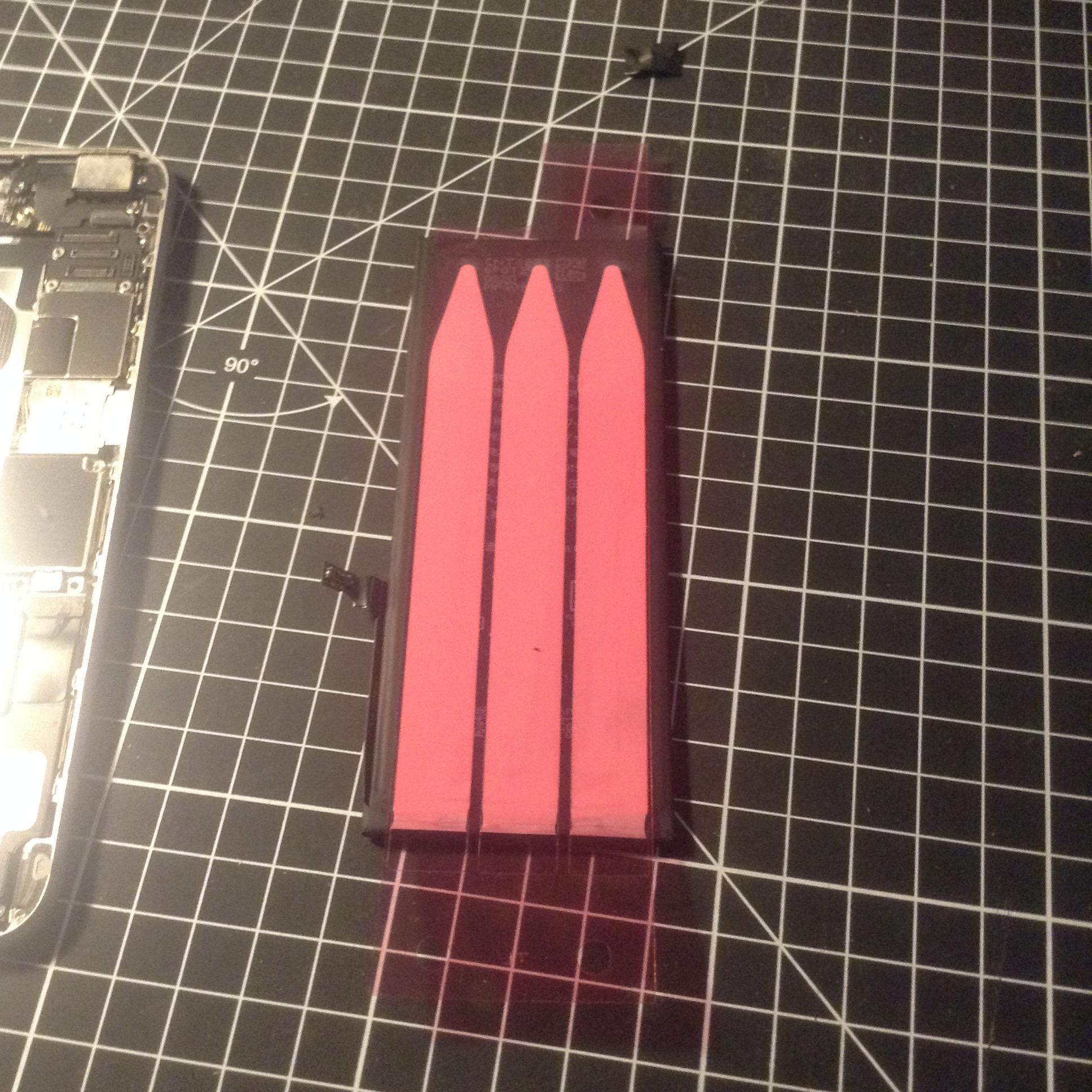
New replacement battery adhesive tape applied ready for fitting

new battery tape

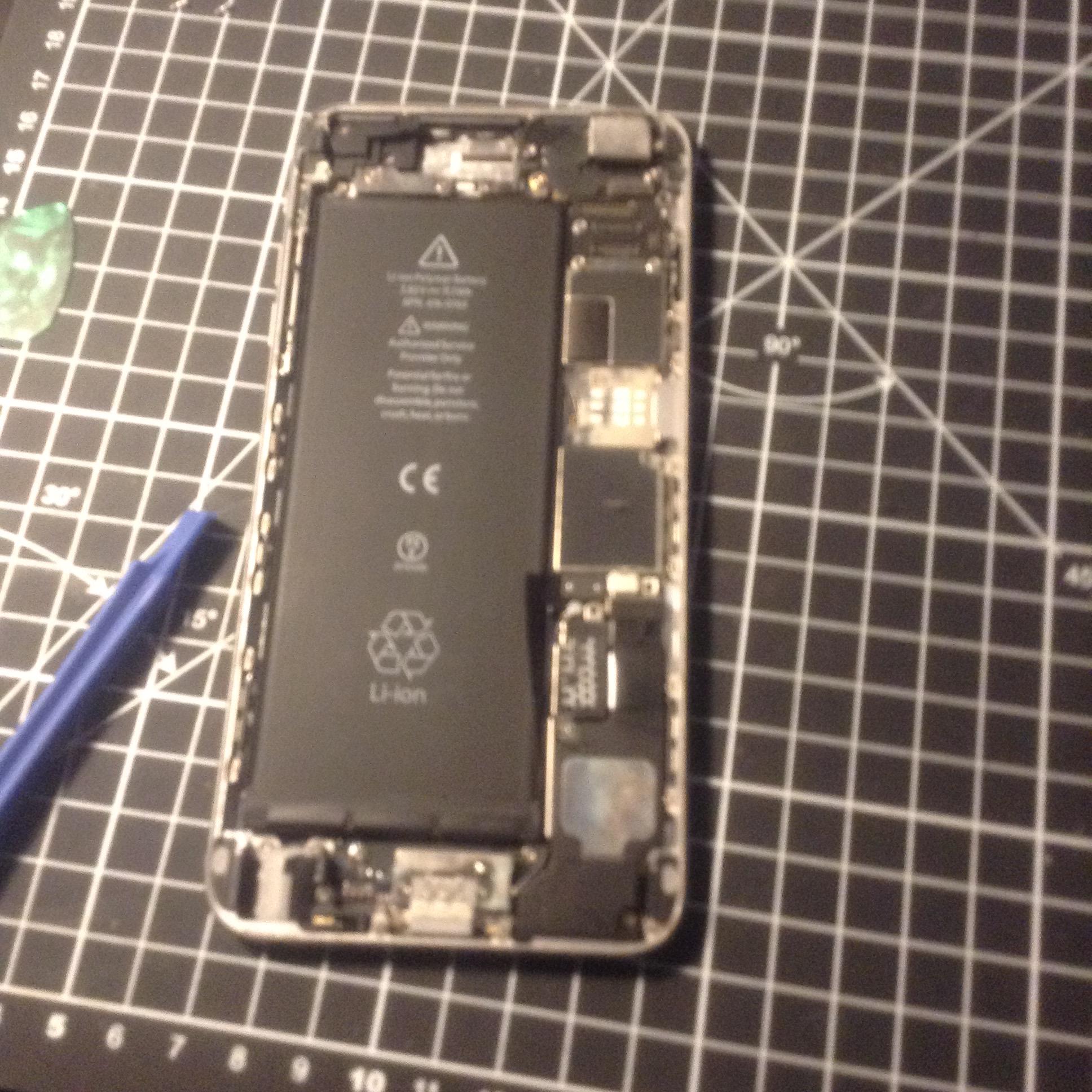
New battery fitted in iPhone 6 Plus with connector slightly protruding

new battery fitted (notice the protruding connector on the roght of the battery – I had to fix that
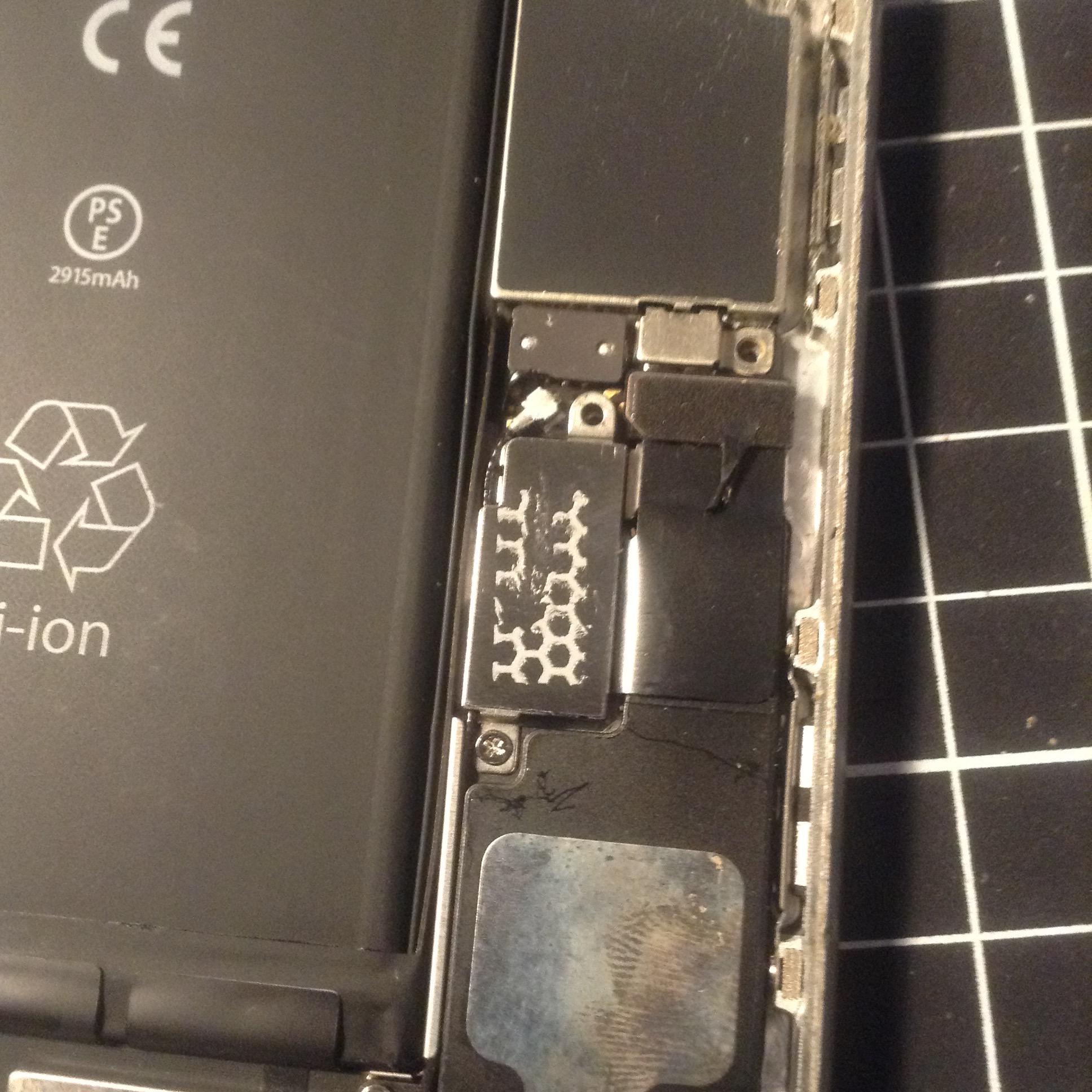
Closeup of the battery connector correctly seated and fixed

closeup of the fixed connector

iPhone 6 Plus screen reattached after battery replacement

screen attached

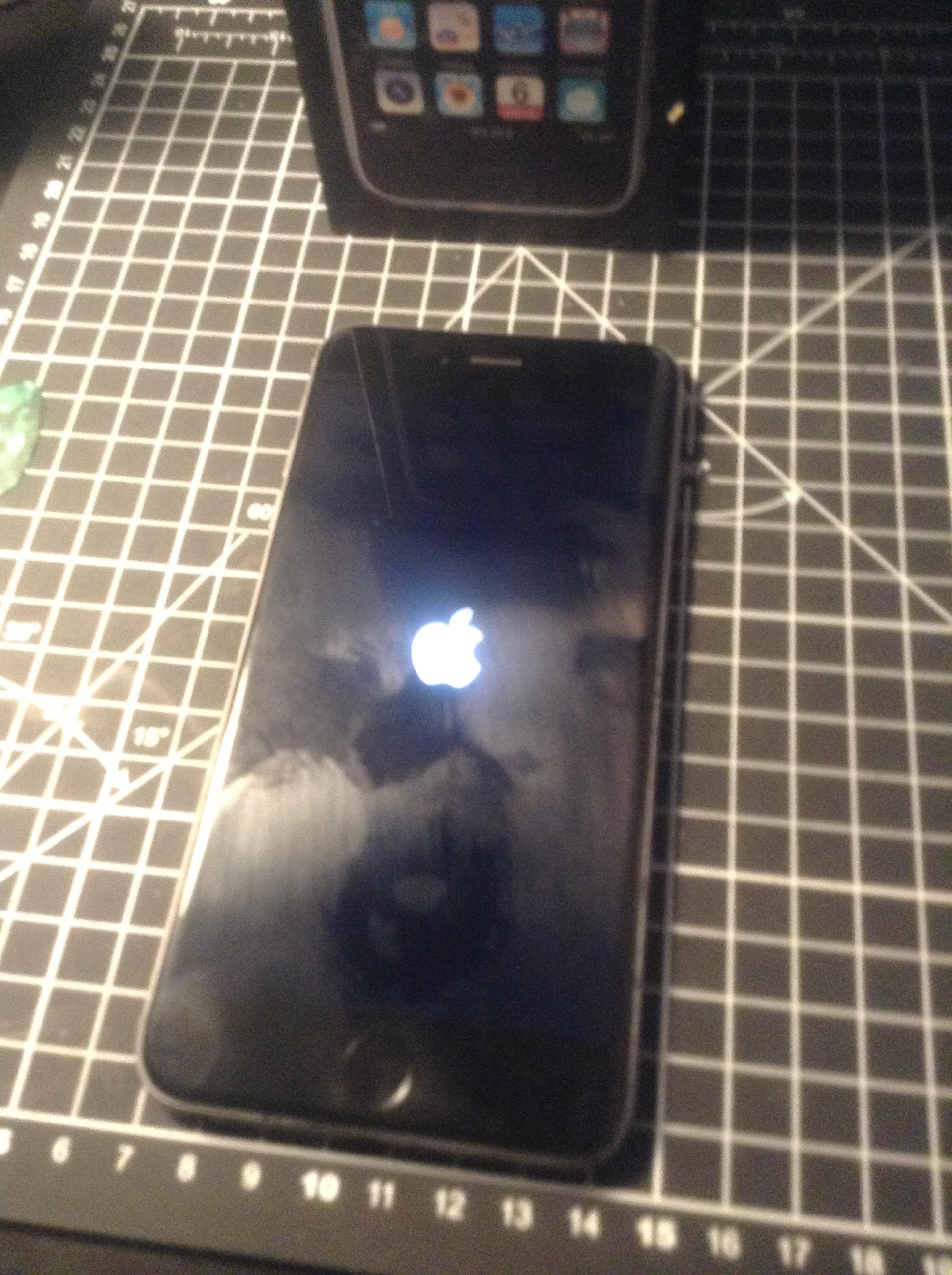
iPhone 6 Plus booting up after successful DIY battery replacement

booting back up!


Leave a Reply