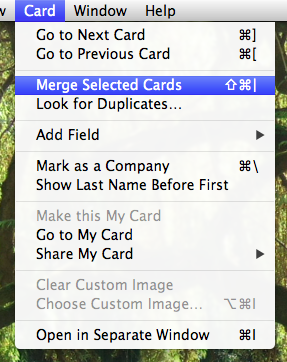
This post will show you how to how to merge duplicate contacts in mac osx contacts app
- open addressbook / contacts
- highlight the duplicate entries you want to merge [shift + click, or cmd+click on them to select multiples]
- goto card > merge selected cards