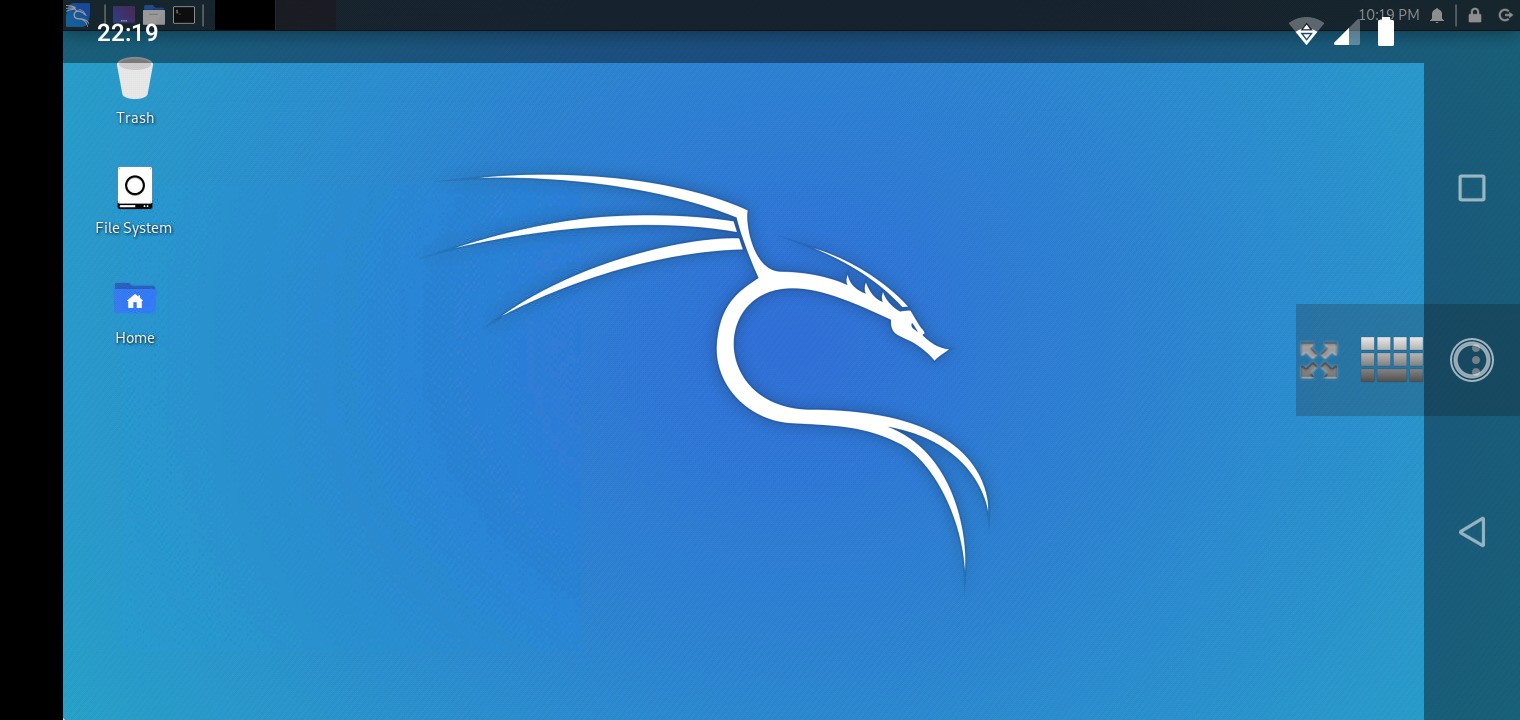
Kali Linux NetHunter on unrooted Android was not originally possible – it traditionally required a rooted device, which limited its accessibility significantly. The rootless NetHunter installation changed that – allowing the NetHunter app, terminal, and a selection of tools to run on an unrooted Android phone without needing to unlock the bootloader or void the warranty. The tradeoff is that some tools requiring kernel-level access (like certain WiFi injection capabilities) won’t work without root, but a surprisingly useful subset of the NetHunter toolkit runs perfectly well in the rootless configuration.
Installation Steps
The rootless NetHunter installation requires enabling “Install from unknown sources” in Android settings and sideloading the NetHunter app APK from the official Kali downloads. The app installs a chroot environment containing a Kali Linux userspace, accessible via the NetHunter terminal. Tools that run entirely in userspace – nmap, Metasploit, sqlmap, Hydra, and many others – work without root access. The KeX (Kali Desktop Experience) feature can also run a full XFCE desktop environment within the chroot, accessible via VNC for a graphical Kali experience on Android.
Rootless NetHunter is an impressive piece of engineering that makes Kali Linux genuinely accessible on Android without the risks of rooting. For learning and practicing penetration testing tools, the rootless installation covers most of what’s needed. For serious wireless testing that requires monitor mode and packet injection, a rooted device or a dedicated Kali Pi remains the better choice. A worthwhile install for any Android user interested in security tools.
I recently saw this tweet from kali linux
on installing rootless nethunter on an unrooted android device. This is my attempt to do so.
The tweet linked here: https://www.kali.org/docs/nethunter/nethunter-rootless/
The instructions are pretty easy to follow
- Install the NetHunter-Store app from https://store.nethunter.com
- I had to enable install from this source
- From the NetHunter Store, install Termux, NetHunter-KeX client, and Hacker’s keyboard
- I had Termux and hackers keyboard already :)
- Open Termux and type:
termux-setup-storagepkg install wgetwget -O install-nethunter-termux https://offs.ec/2MceZWrchmod +x install-nethunter-termux./install-nethunter-termux
The commands executed and before long I was downloading
15 mins later and the download is complete
At this point kali is installed!!