
I recently got a Blue Microphones Snowball mic. The Snowball is an omnidirectional USB microphone with a built-in soundcard, so you only need a USB port for it to work. It’s an excellent mic for podcasting and the like, so I thought that I’d put up a review of it.
Updated October 2026: added a verdict up top, setup steps for Mac and Windows and a short FAQ. The original 2011 review is kept below.
Quick verdict
The Blue Microphones Snowball is a plug-and-play USB condenser mic that records at 44.1 kHz, 16-bit. It is heavy and well built, has a three-position pattern switch and needs no audio interface. It sounds decent for the price, but it is not in the same league as an XLR studio mic such as the NT2A. If you want a simple mic for podcasting, calls or voice-overs without buying a soundcard, a Snowball mic is a sensible choice. If you want the best possible sound or room to upgrade later, look at an XLR mic and interface.
How to set up the Snowball mic
- Plug the Snowball into a USB port. No driver install is needed for basic use.
- On a Mac, open System Settings > Sound > Input and choose the Snowball.
- On Windows, open Settings > System > Sound, and under Input choose the Snowball.
- Set the pattern switch on the front: cardioid for a single voice, omnidirectional for a group or a room.
- Record a short test and adjust your distance from the mic and the input level in your recording app.
My original review of the Blue Microphones Snowball
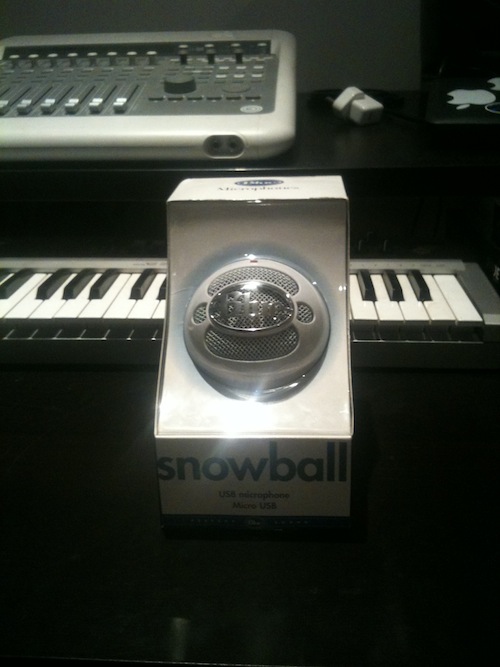
1) The packaging is excellent.
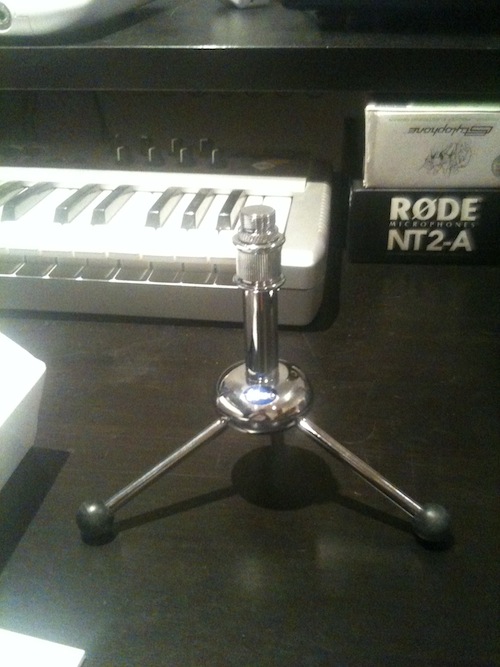
2) It has an amazing stand. It will work with all mics :D
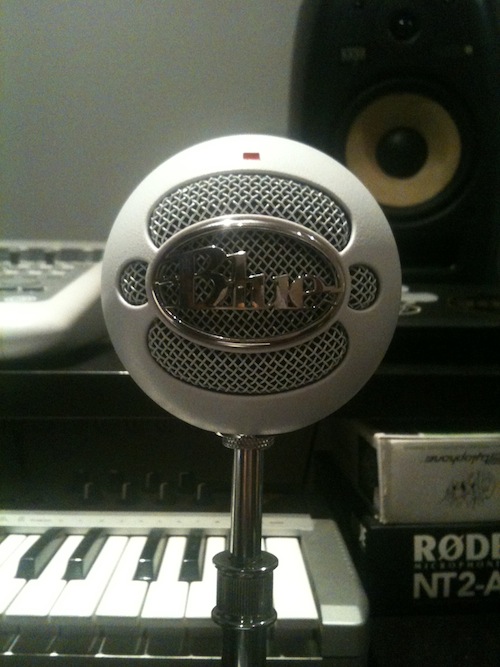
3) It’s big! In fact, it’s big and heavy. I always judge something by these factors. If it’s big it’s good. If it’s heavy it’s well made. :D The build quality of this mic is excellent!
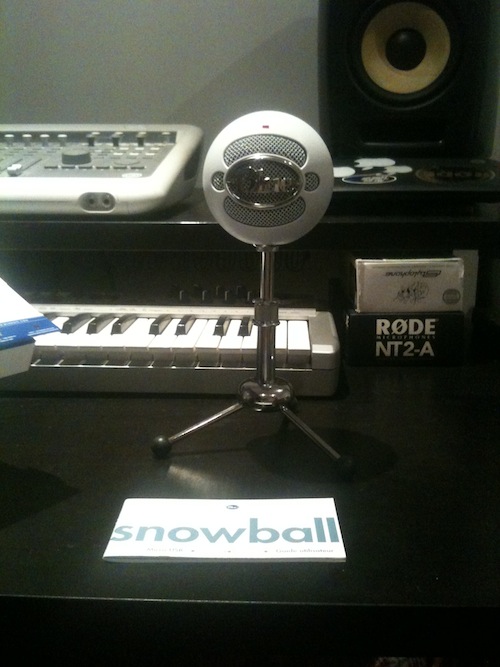
4) It has a selector switch to pick the polar pattern. This was a welcome surprise :) You can select ‘cardioid’, ‘cardioid with a 10dB pad’ and ‘omnidirectional’.
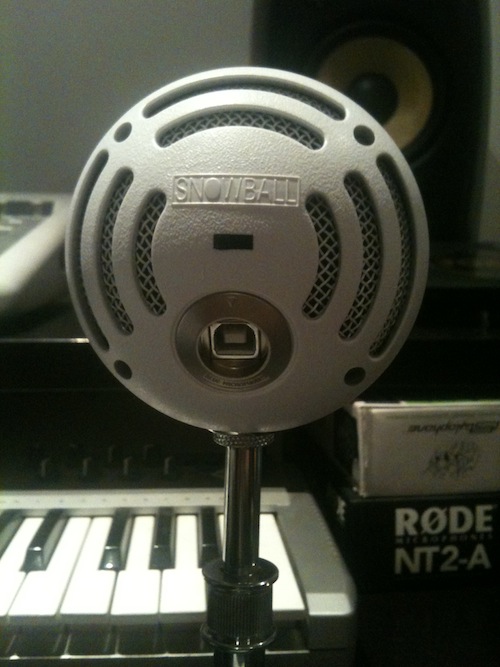
5) It’s plug and play. But not with Pro Tools, unless you have the new Pro Tools 9 or Pro Tools 10 and can select your input source :(
6) The overall sound of the mic is decent enough for the price, still not comparable with the likes of an NT2A, but for the price it is very worthwhile. Its major benefit is that you don’t need a high end soundcard with XLR inputs. You only need a USB port. This is a major plus point for this bit of kit.
7) Response charts look pretty decent. It doesn’t pick up a lot of low end, but you wouldn’t expect it to.
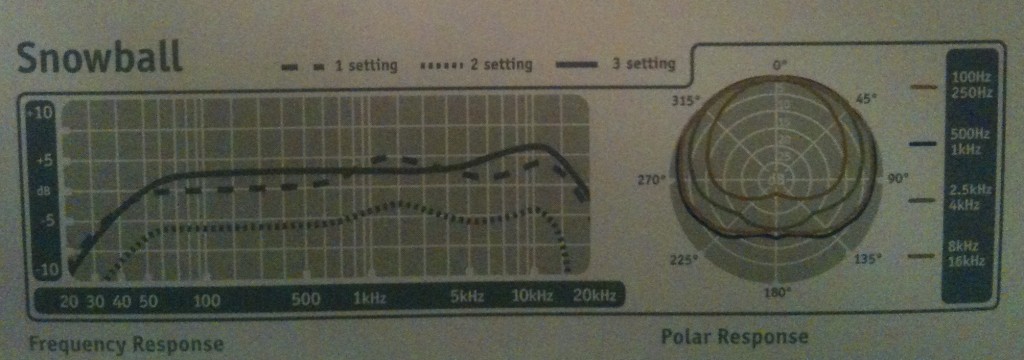
8) Installation was very easy, I just plugged it in.
9) It has a built-in ADC and from that point it’s digital. The mic outputs at 44.1 kHz, 16 bit. It uses USB, so you don’t need a soundcard for it to work :)
That’s pretty much it. If you are looking for a decent mic that won’t break the bank, and you don’t want to buy a pro soundcard, then this mic is for you. You can find out more at the Blue Microphones website.
Snowball vs newer USB mics
The Snowball’s selling point is still simplicity: one USB cable, no interface. Since this review, plenty of other USB mics have appeared, and Blue is now part of Logitech. When comparing, check the sample rate and bit depth, which patterns the mic offers, whether it has a headphone output for monitoring, and whether it also has an XLR output if you may upgrade later. For a Snowball the figures to compare against are 44.1 kHz / 16-bit and the three-position pattern switch described above.
Snowball mic FAQ
Is the Blue Snowball good for podcasting?
Yes, for a simple setup. It is easy to use and sounds decent for the price, as covered in the review above. Serious studio work is better served by an XLR mic.
Does the Snowball need drivers?
For basic recording it was plug and play when I tested it: I just plugged it in. Some older recording software needs you to select the input in its own preferences, as with Pro Tools 9 and 10 in my notes above.
What do the three switch positions do?
They select the pickup pattern: cardioid, cardioid with a 10dB pad, or omnidirectional. Cardioid favours what is in front of the mic, while omnidirectional picks up sound from all around.
2 responses to “Blue microphones snowball”
Cool idea of having soundcard in the mic. Good for podcasts as you mentioned and for ease of use and handyness. Not sure about the quality though as it only supports up to 16bit 44.1kHz.
How much is it?
right now its £50 in maplin electronics