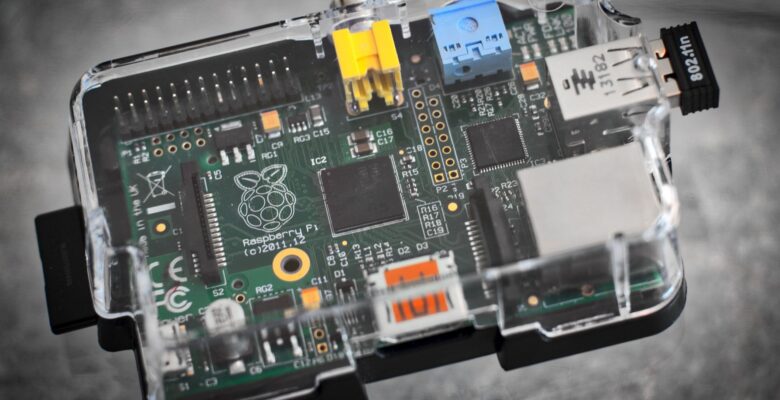
DNSmasq is a lightweight DNS forwarder and DHCP server that ships with DD-WRT and can be configured as a DDWRT dnsmasq caching DNS server for the local network. Enabling and configuring it properly gives every device on the network faster DNS resolution (by caching responses locally rather than querying upstream every time), and lets you add custom hostname entries that work across all local devices without editing hosts files on individual machines.
The Configuration
In DD-WRT, navigate to Services and enable DNSmasq. The key settings are enabling local DNS (so the router resolves local hostnames), setting a reasonable cache size (150-500 entries works well for a home network), and adding any custom local entries in the Additional DNSmasq Options field. Custom entries use the format address=/hostname.local/192.168.1.x – these override upstream DNS and allow you to reach local servers and devices by name rather than IP address. Upstream DNS servers can be set to anything you trust (Cloudflare 1.1.1.1, Google 8.8.8.8, or your ISP’s resolvers).
Verdict
A caching DNSmasq setup on a DD-WRT router noticeably improves DNS response times for frequently visited sites, and the custom hostname feature is invaluable for a home lab where you’re running multiple services on named hosts. It’s one of the more immediately useful things you can do with a DD-WRT router beyond basic configuration. Highly recommended for anyone running local services who wants to reach them by name.