This post will show you how to email photos on iphone and ipad, in two waysnnnthe first way:ndirect from mail:nopen mail, compose a new mail to someone as usualntouch and hold on the body of the email, as if you were going to paste some textnyou will now see that there is a new entry for ‘insert a photo or video’n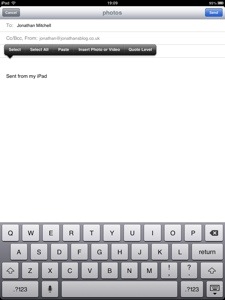 nnclick that and you can select the images you want to mailnhit sendnnnthe second way:nopen the photos appnclick on the photo you want to email, or press the edit button and select multiple photosnclick the share iconnn
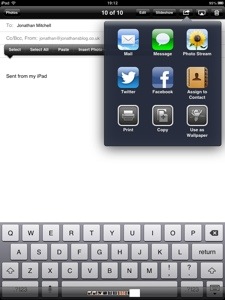 nnclick email.nnnsend your mail :)