In osx when you install xcode, the commandline version of git is not automatically installed. This post will show you how to install git in osx.
to install git, follow these instructions:
1) make sure you have installed xcode from the app store
2) open xcode
3) goto xcode > preferences
4) goto downloads
5) tick ‘commandline tools’
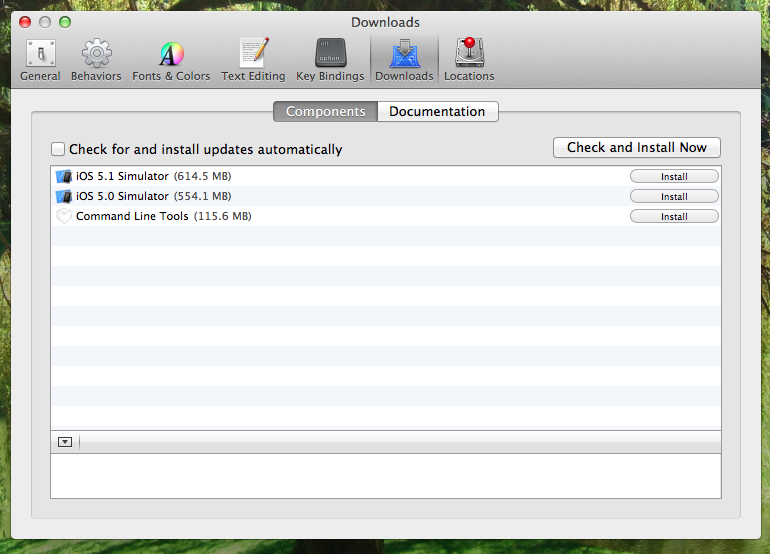
xcode will download and configure the commandline tools for you and you will now have git available from the command line
